Sale Price:
$0.50
Original Price:
$189.95
The KwiqStep Transbrake Button is an affordable DIY solution for building a high quality transbrake button that normally costs $200 or more. With this kit, we provide all the information you need to build a premium button for under $40. Simply choose your switch, download your selected button design, 3D print or CNC machine it, assemble, and cut consistent lights.
This is a purchase of a 3D .STEP file that will allow you to print or machine your button cover to install on a micro-switch you purchase.
Instructions:
Choose your button style. The downloadable will include a .STEP file for each of the options below:
Classic
Lightweight
Super Lightweight
Thumb-Stop
Choose your switch. Visit the link to grab your button fromDigi-Key or Alibaba:
Choose your manufacturing process. You can choose to print or machine your button from the files included in the download:
Assemble. Mount. Cut consistent lights!
For those without access to 3D printing or CNC equipment, we will offer a limited run of finished buttons at a VERY reasonable price.
If you prefer to purchase a ready made premium button without the wait, we also recommend the following proven options:
We recommend you do it yourself or purchase from an established retailer. Be cautious of high priced imitators.
Creative Commons license - NOT FOR RESALE OR COMMERCIAL USE
The KwiqStep Transbrake Button is an affordable DIY solution for building a high quality transbrake button that normally costs $200 or more. With this kit, we provide all the information you need to build a premium button for under $40. Simply choose your switch, download your selected button design, 3D print or CNC machine it, assemble, and cut consistent lights.
This is a purchase of a 3D .STEP file that will allow you to print or machine your button cover to install on a micro-switch you purchase.
Instructions:
Choose your button style. The downloadable will include a .STEP file for each of the options below:
Classic
Lightweight
Super Lightweight
Thumb-Stop
Choose your switch. Visit the link to grab your button fromDigi-Key or Alibaba:
Choose your manufacturing process. You can choose to print or machine your button from the files included in the download:
Assemble. Mount. Cut consistent lights!
For those without access to 3D printing or CNC equipment, we will offer a limited run of finished buttons at a VERY reasonable price.
If you prefer to purchase a ready made premium button without the wait, we also recommend the following proven options:
We recommend you do it yourself or purchase from an established retailer. Be cautious of high priced imitators.
Creative Commons license - NOT FOR RESALE OR COMMERCIAL USE

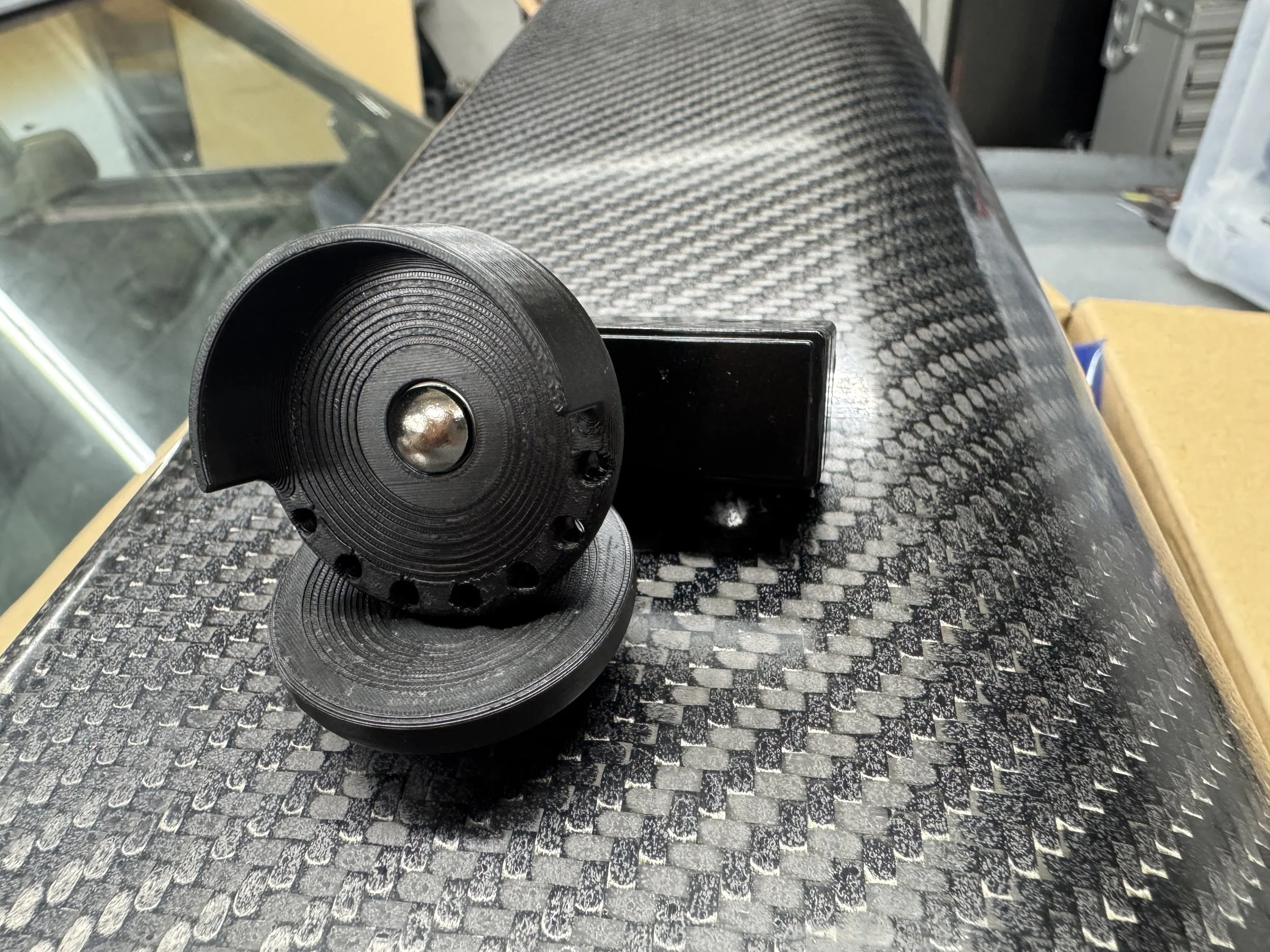 Image 1 of 12
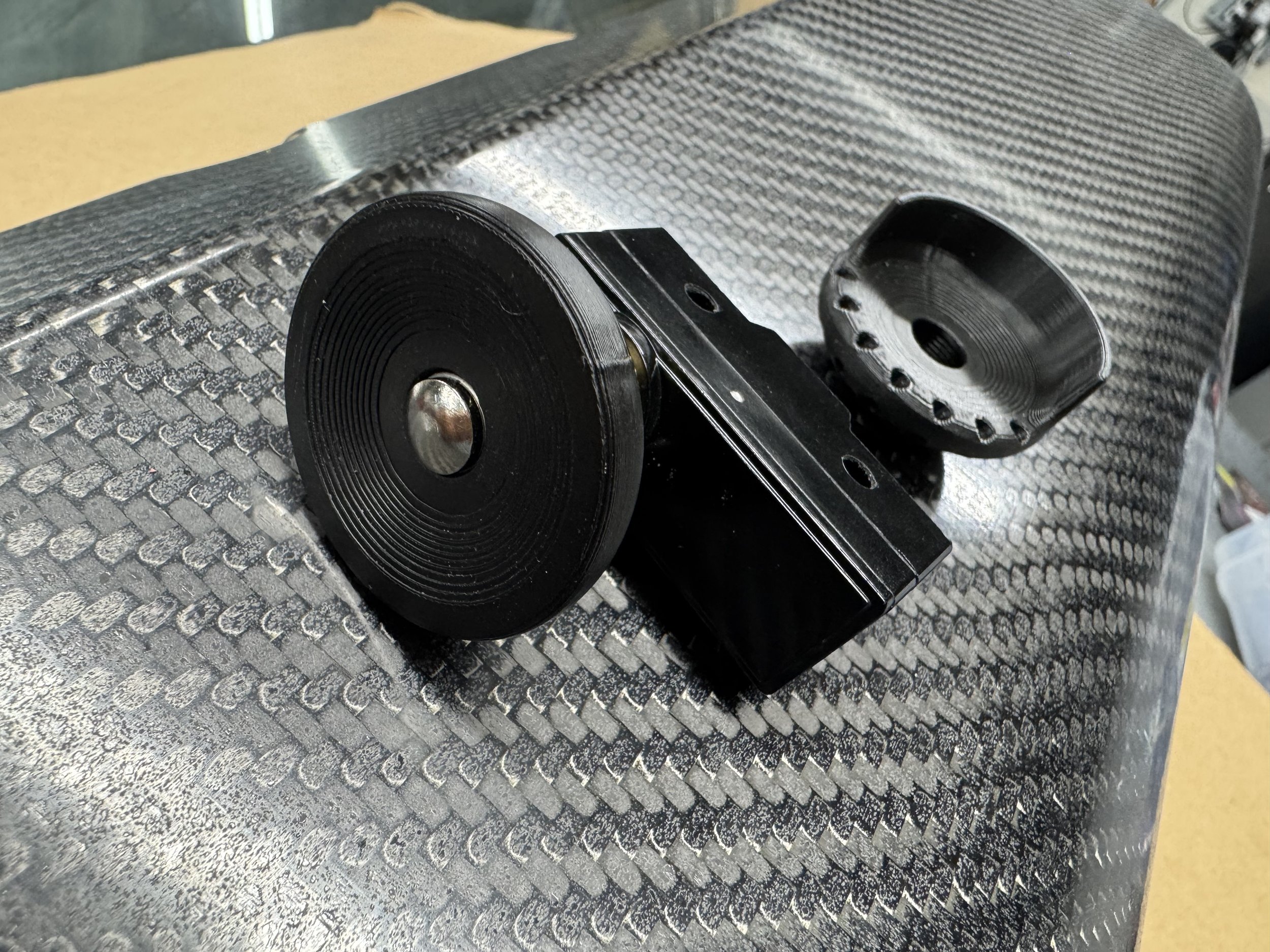 Image 2 of 12
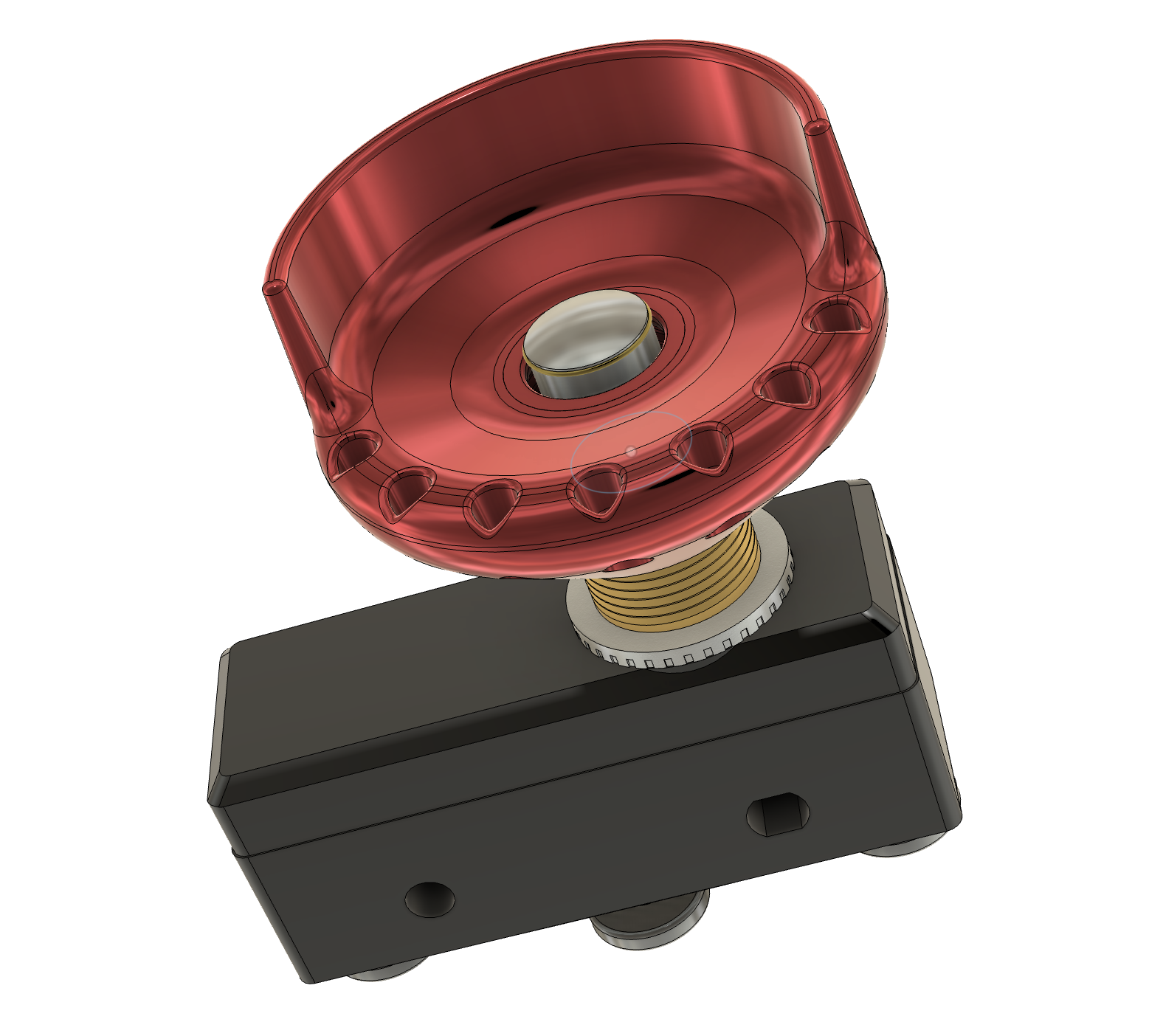 Image 3 of 12
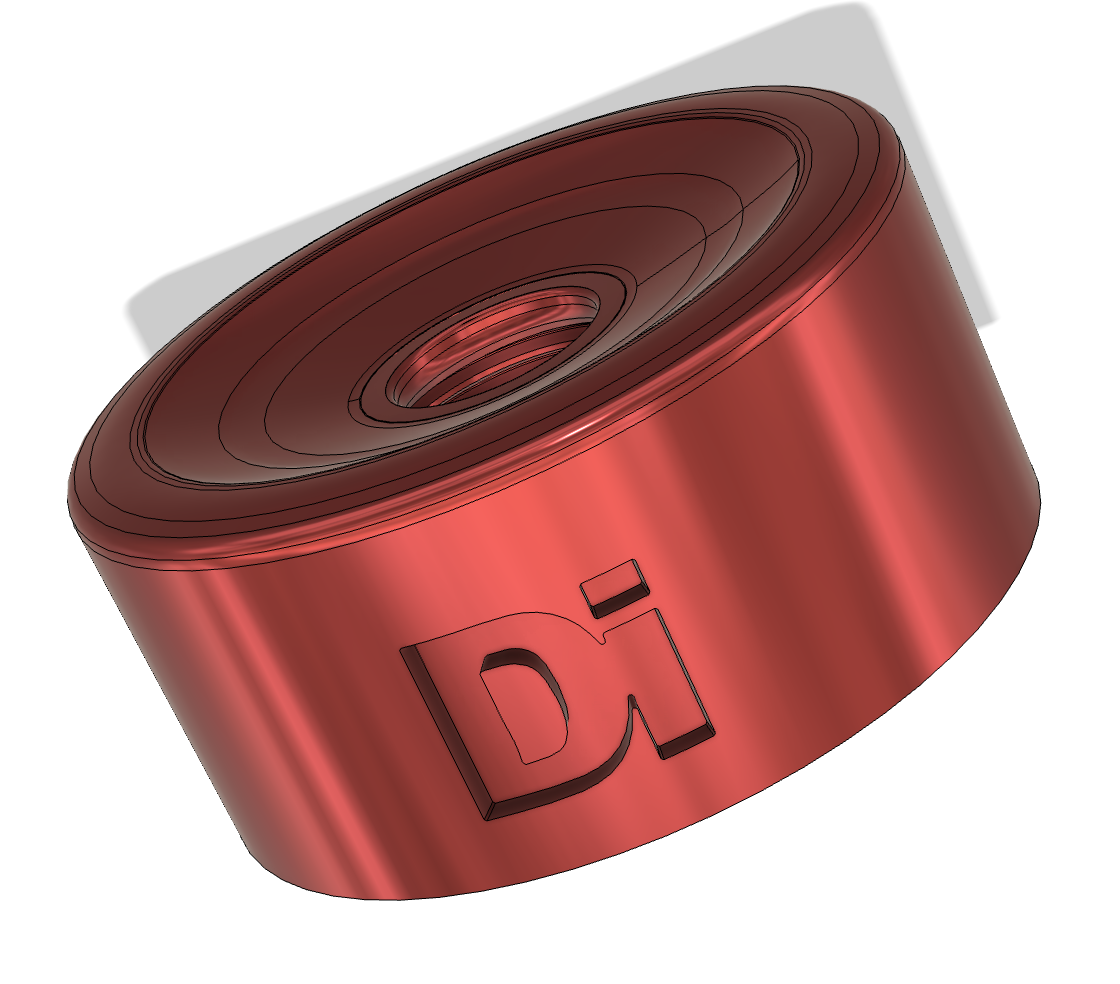 Image 4 of 12
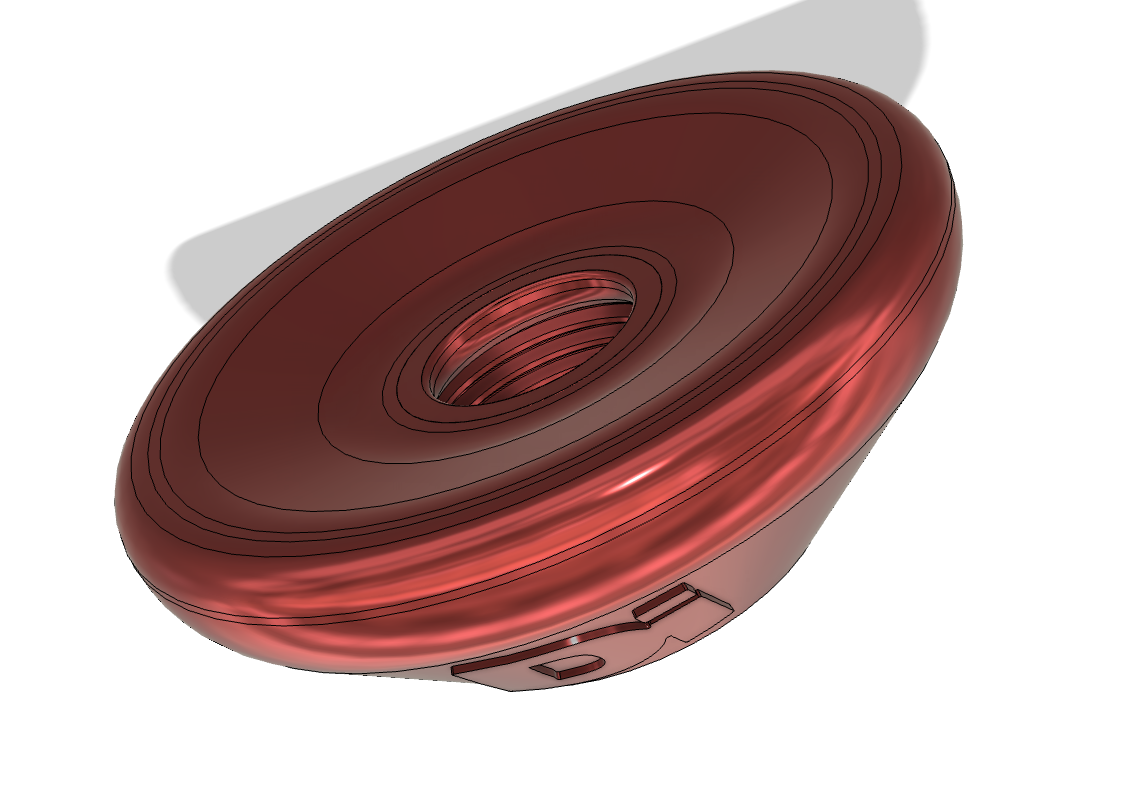 Image 5 of 12
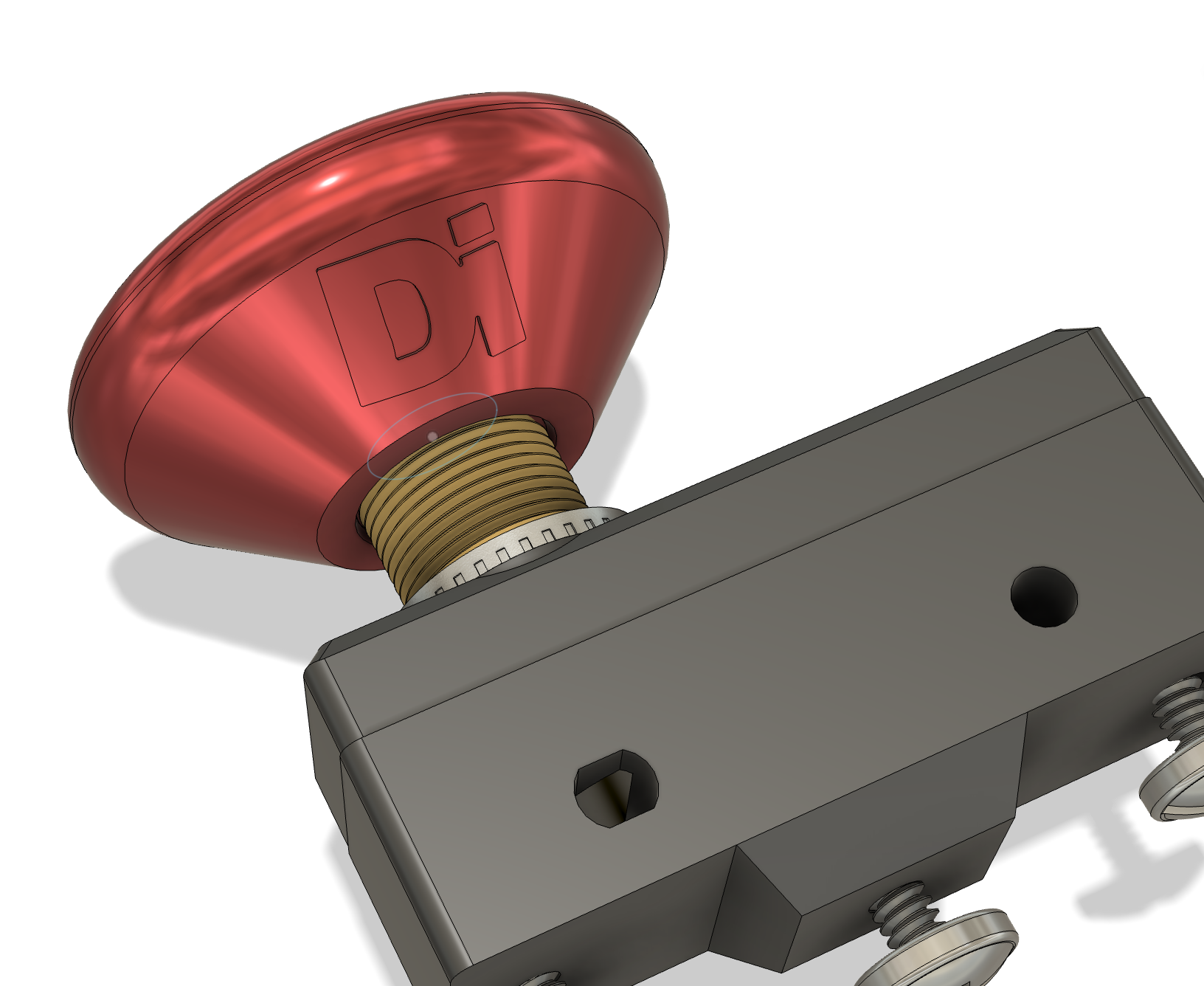 Image 6 of 12
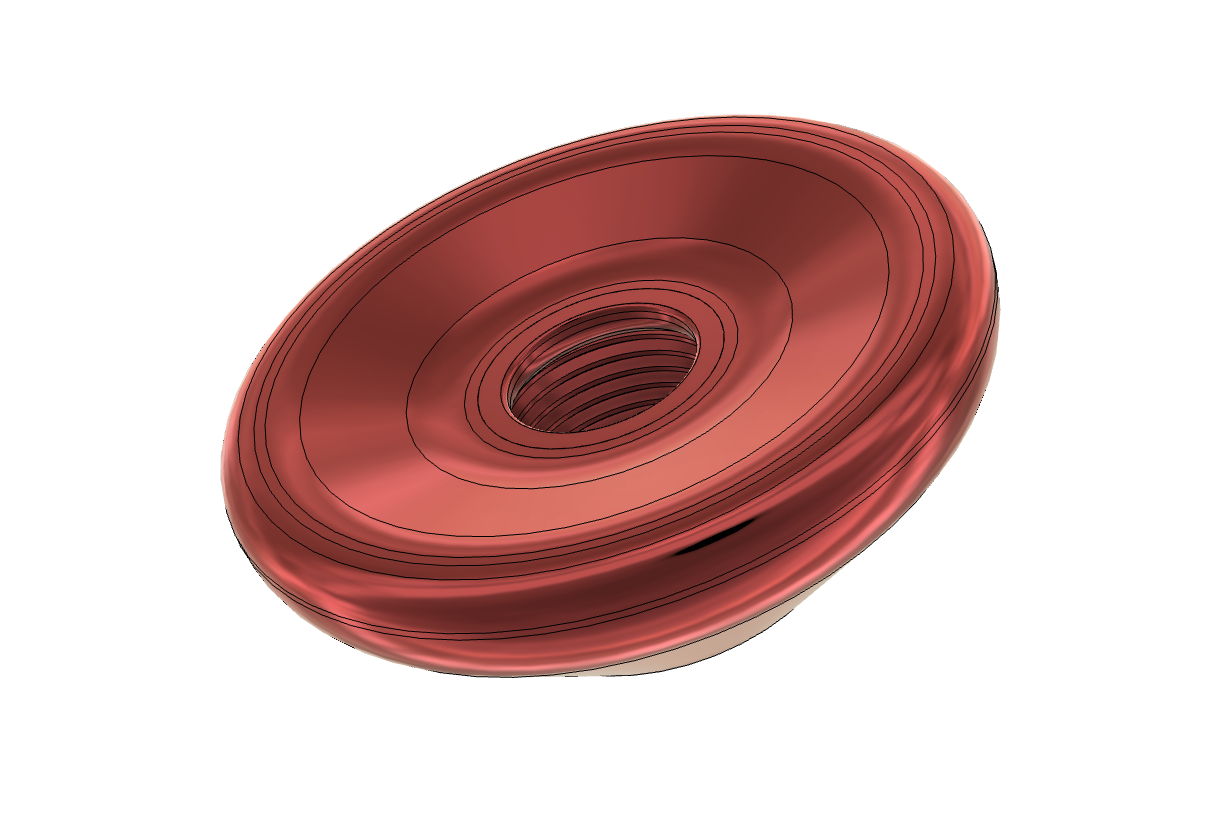 Image 7 of 12
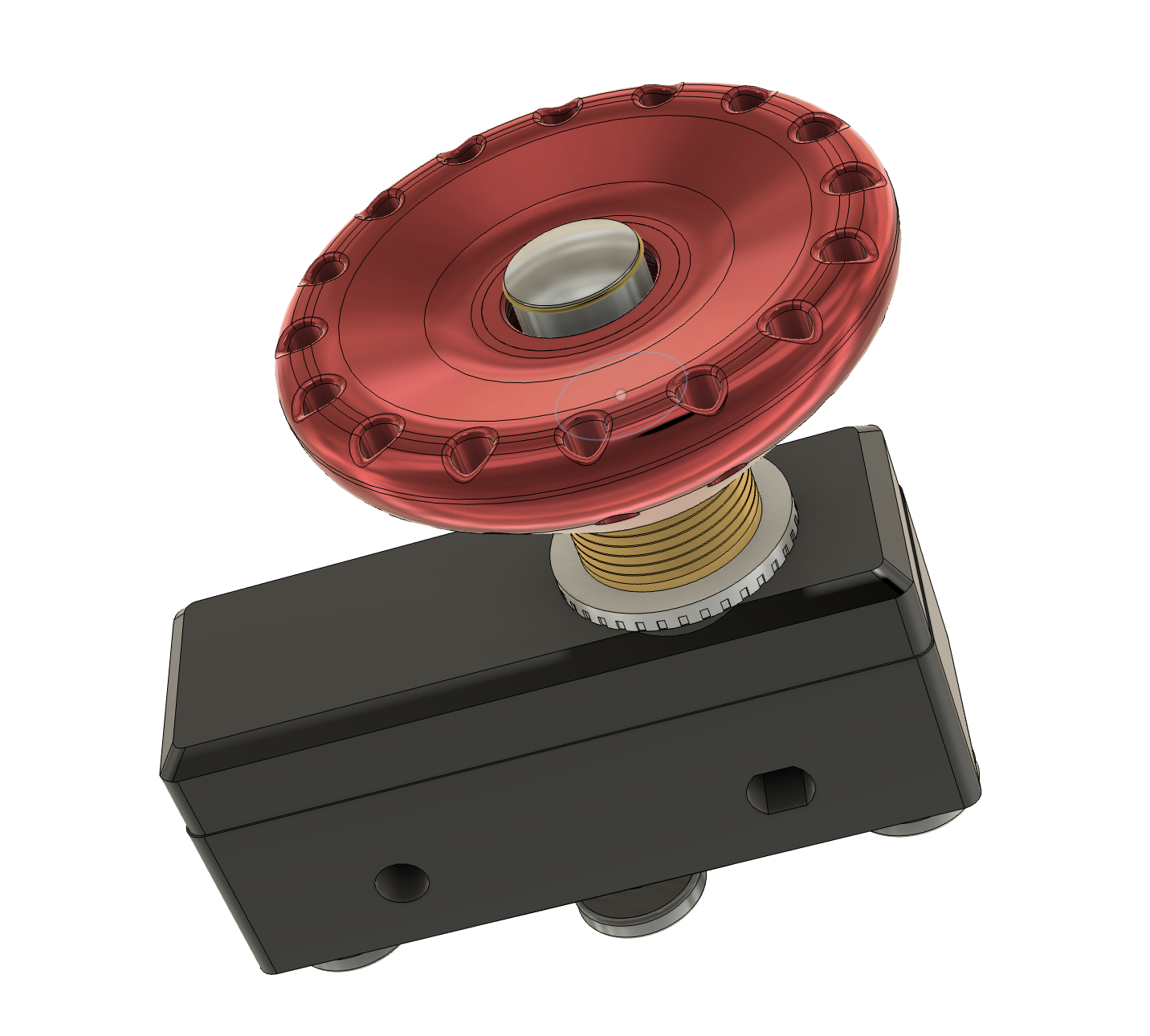 Image 8 of 12
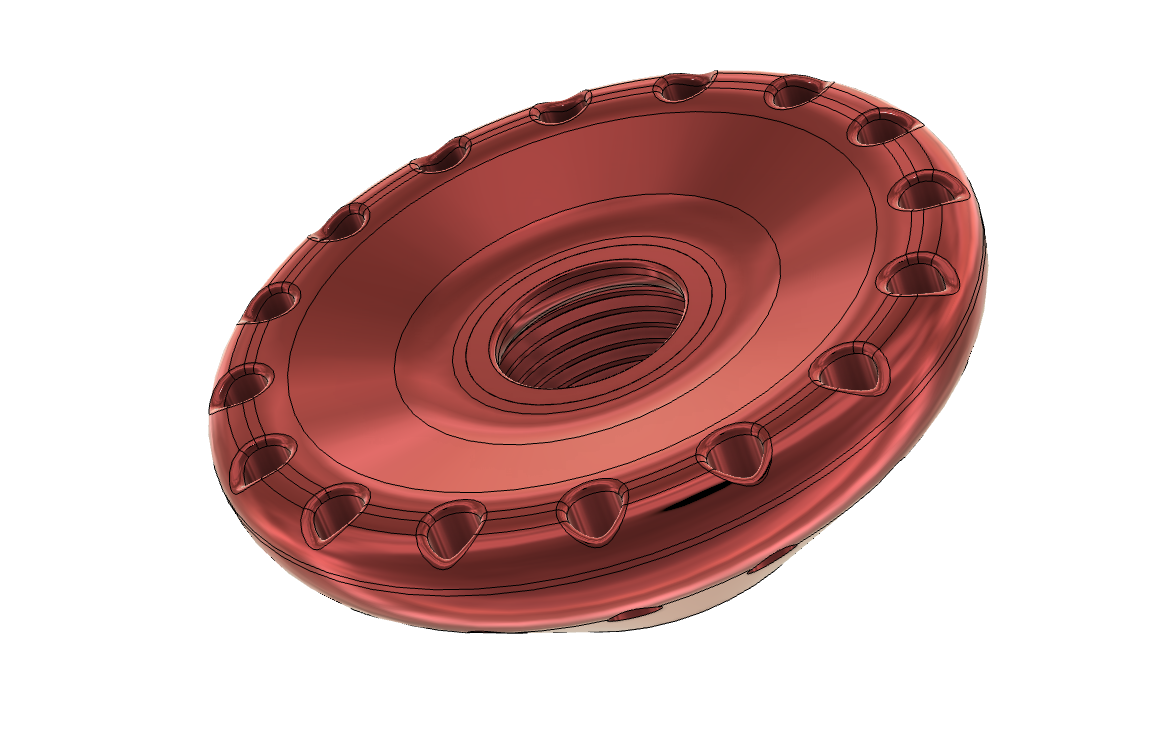 Image 9 of 12
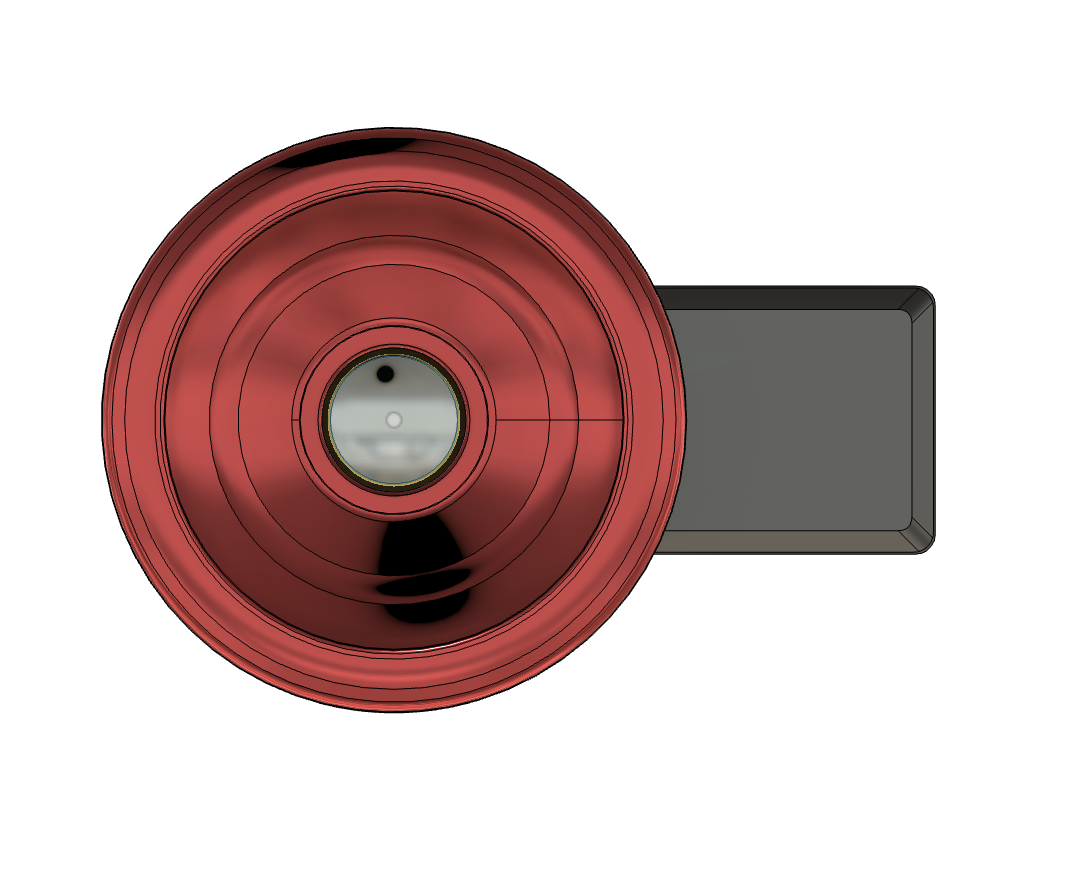 Image 10 of 12
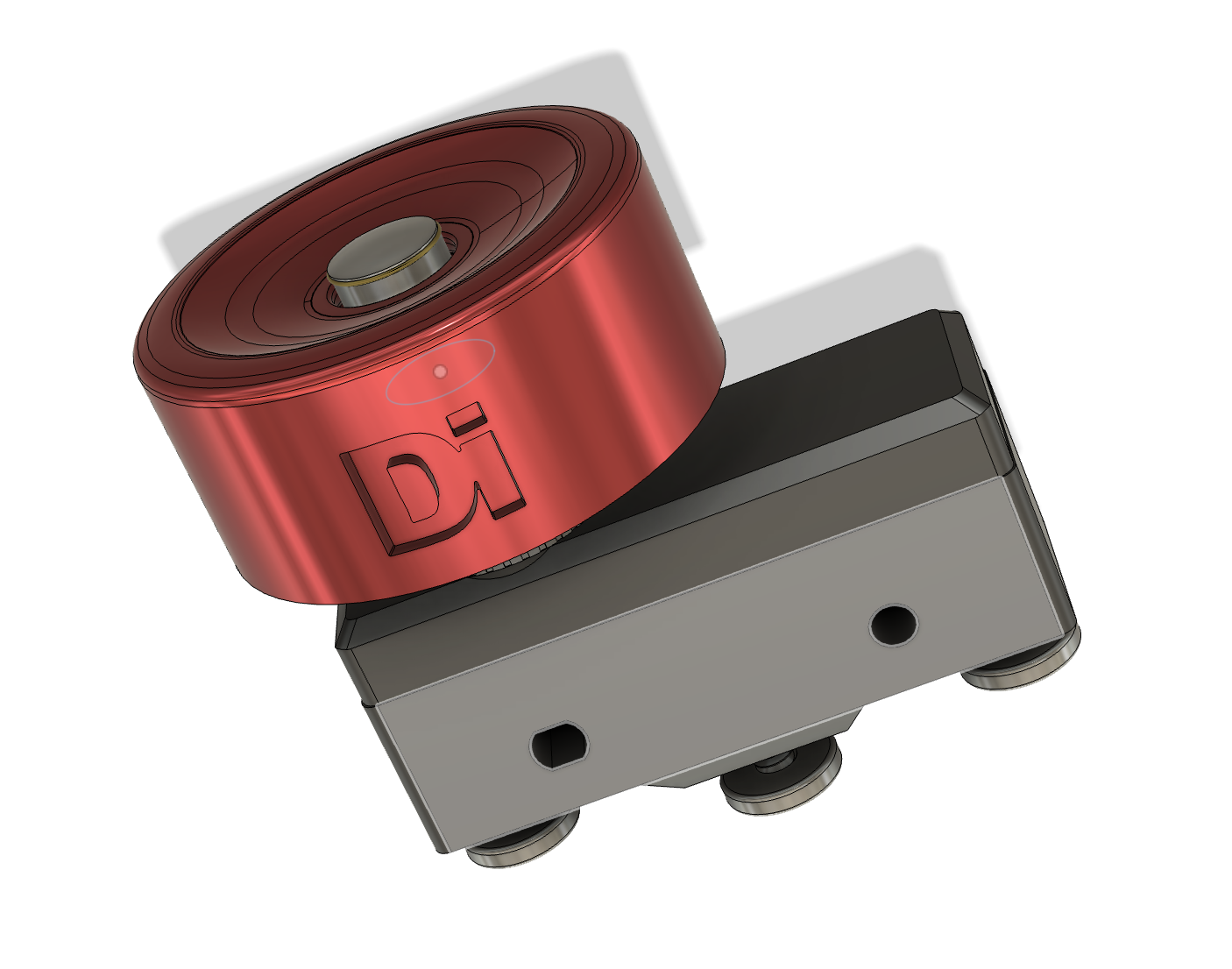 Image 11 of 12
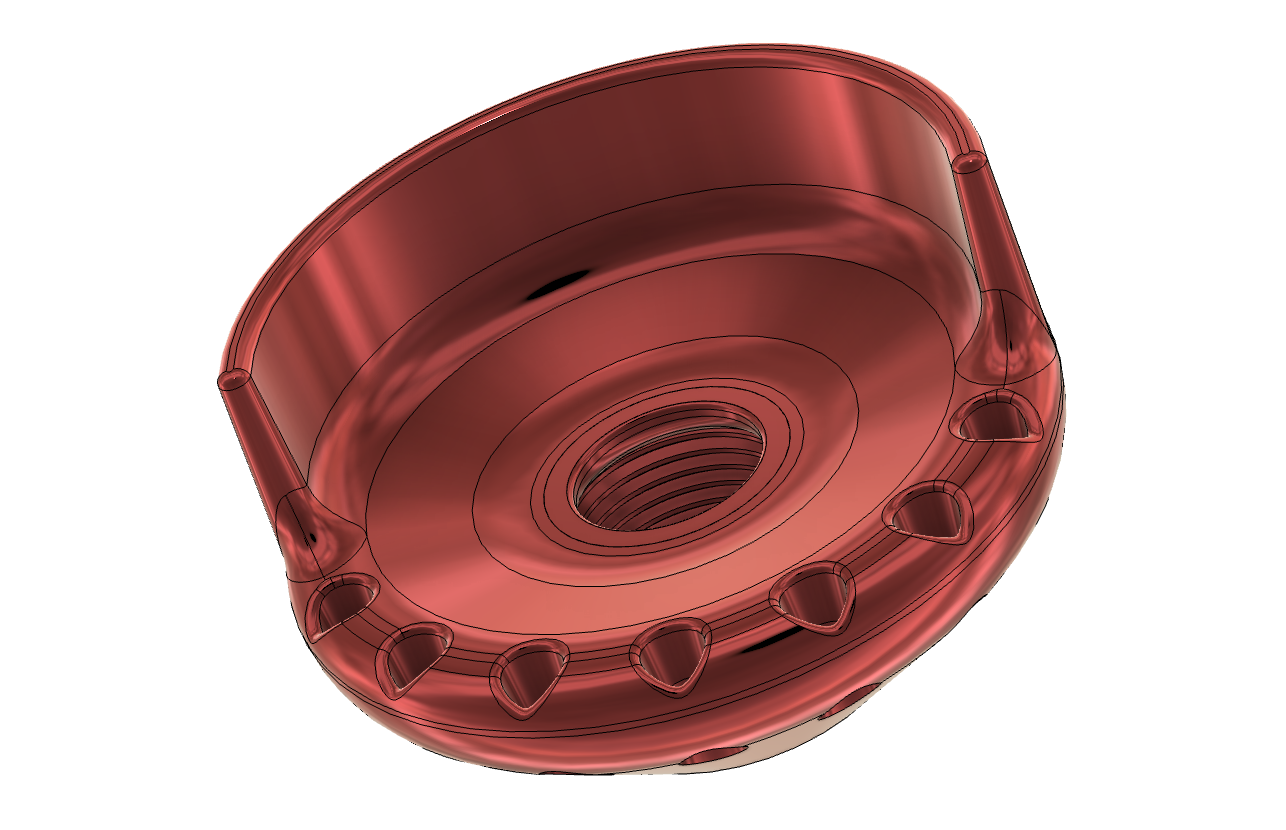 Image 12 of 12